Bewerbungsmappe: Your whole German application, merged into one PDF
A Bewerbungsmappe is the full application package. DeutschCV puts your letter, cover sheet, CV and certificates in the right order, on your device.
The check is free and needs no account.
No CV? Start with 5 questions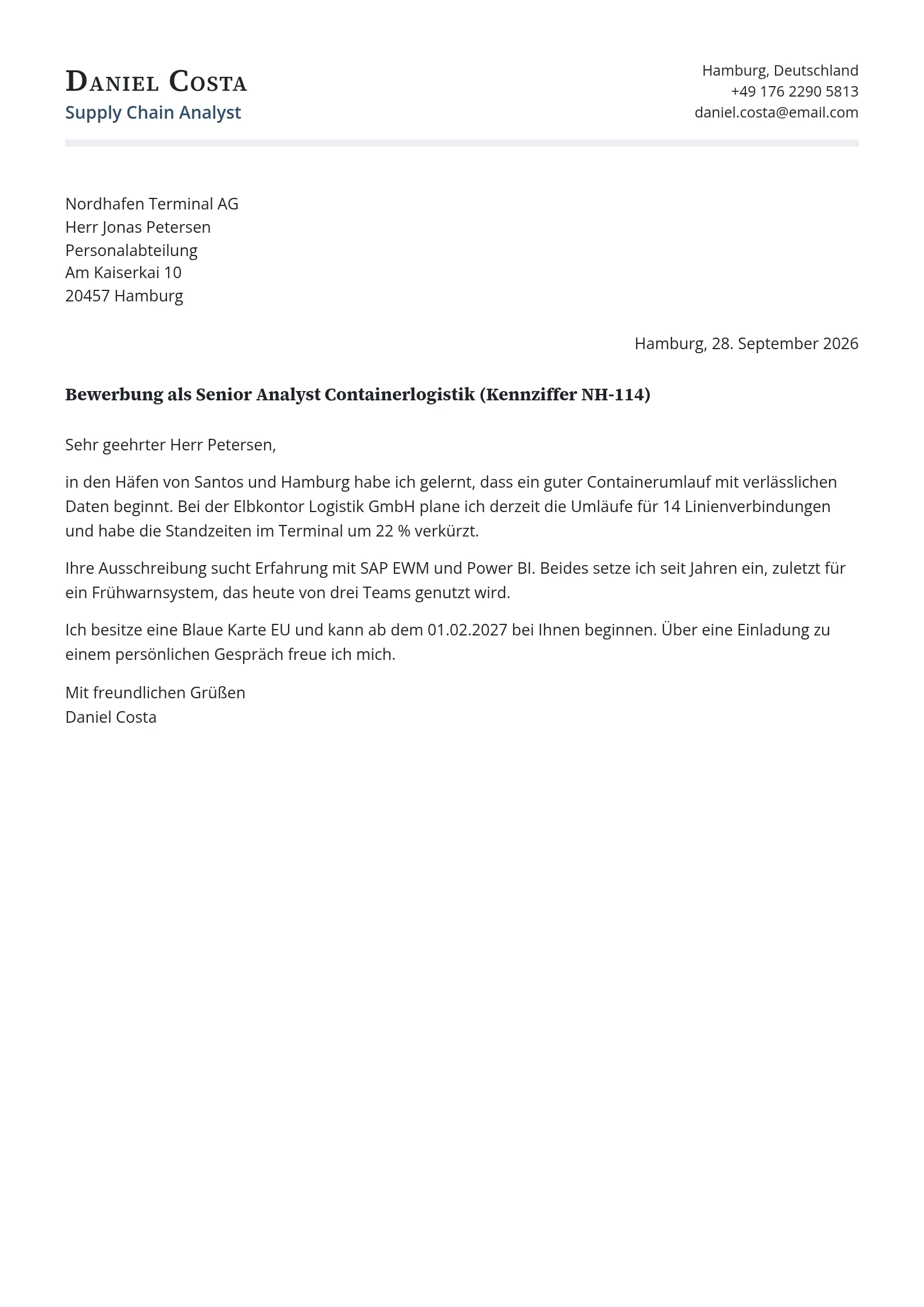
What a Bewerbungsmappe is
Bewerbung means application and Mappe means folder. Today the folder is usually a PDF. The Bundesagentur für Arbeit says an application usually consists of the Anschreiben, the Lebenslauf, a photo and certificates, ideally in that order, and that for email you should combine the documents into one PDF.
The five parts
The Bundesagentur calls the cover sheet not mandatory but sometimes sensible, and says a list of attachments is only needed for applications with many documents. You switch each optional part on or off.
| Part | Needed? | What it is |
|---|---|---|
| Anschreiben | Yes | The cover letter for this job |
| Deckblatt | Optional | Cover sheet with name, role and, if you like, your photo |
| Lebenslauf | Yes | Your tabular CV |
| Anlagenverzeichnis | Optional | A list of attachments, useful when there are many |
| Anlagen | Usually | Certificates, references and proof of qualifications |
Your certificates stay on your device
Your degree certificates and references contain personal data. The attachments you add are read and merged in your browser. They are not uploaded to DeutschCV's servers. The finished PDF is made on your device.
File size and order
- Many job portals limit an upload to a few megabytes. DeutschCV warns you when the merged PDF goes above 5 MB and above 10 MB.
- Scanned certificates are the usual cause of a large file. Rescan at a lower resolution or in black and white.
- Reorder the attachments. The usual convention is newest first.
- If a portal wants separate files, download the parts one by one.
What you need
Writing your documents and one Mappe preview are part of a free account. The merged download comes with a pass: one payment for 30, 90 or 180 days that never renews.
Which attachments to add
Attach what the job ad asks for and what supports this application. Do not send your passport or ID unless an employer asks for it.
- Degree certificates and transcripts, newest first.
- Employer references for your most relevant roles.
- Language certificates, such as a Goethe-Zertifikat or an English test.
- Proof of recognition, if you have a decision on your foreign qualification.
- Translations only where an employer asks for them.
A short checklist before you send
- The Anschreiben names the job title and the reference number, if the ad has one.
- The Lebenslauf has month and year for every station and ends with place and date.
- The photo is on the cover sheet or the CV, or you chose to leave it out.
- Every attachment is legible, the right way up and in the order you want.
- The file has a sensible name and is below the employer's size limit.
Sending it: email, portal or post
The Bundesagentur für Arbeit advises combining the documents into one PDF for email and notes that online portals more often take documents one by one. Read what the form marks as required before you upload anything.
| Channel | What to prepare |
|---|---|
| One PDF with all documents, and a short email text that repeats the Betreff | |
| Job portal | The separate files the form asks for, named clearly, for example Okafor_Lebenslauf.pdf |
| Post | A printed Mappe, with the Anschreiben signed by hand |
What the builder does on your device
- Takes your finished Anschreiben and Lebenslauf from your account.
- Lets you add the certificates and references as files, reorder them and leave out any part you do not need.
- Merges everything into one PDF in your browser and shows its size.
- Lets you download the single PDF, or the parts one at a time if a portal wants separate files.
Common problems with the file
None of these needs a design skill, only a minute of checking. The builder shows the file size next to the preview for exactly this reason.
- A scan that is sideways or upside down. Check each page in the preview before you download.
- A merged PDF that is far too large, usually because certificates were scanned in colour at high resolution.
- Documents in the wrong order. Put the newest certificate first within each group.
- A file name like scan0012.pdf. Use your name and the document, so the employer can tell what it is.
- Attachments nobody asked for. Fewer, relevant documents read better than a long pile.
Questions
What is a Bewerbungsmappe?
Are my certificates uploaded?
Do I need a cover sheet?
Should I send one PDF?
More guidance: Bewerbungsmappe checklist, How to write an Anschreiben, German CV template.
Start with your CV
DeutschCV is not legal advice. Check official sources for visa questions.